
PACER, FOIA Portals, and State Court Databases: Navigating Legal Record Systems
A practical walkthrough of the major online systems used to access court records and government-held documents in the United States.
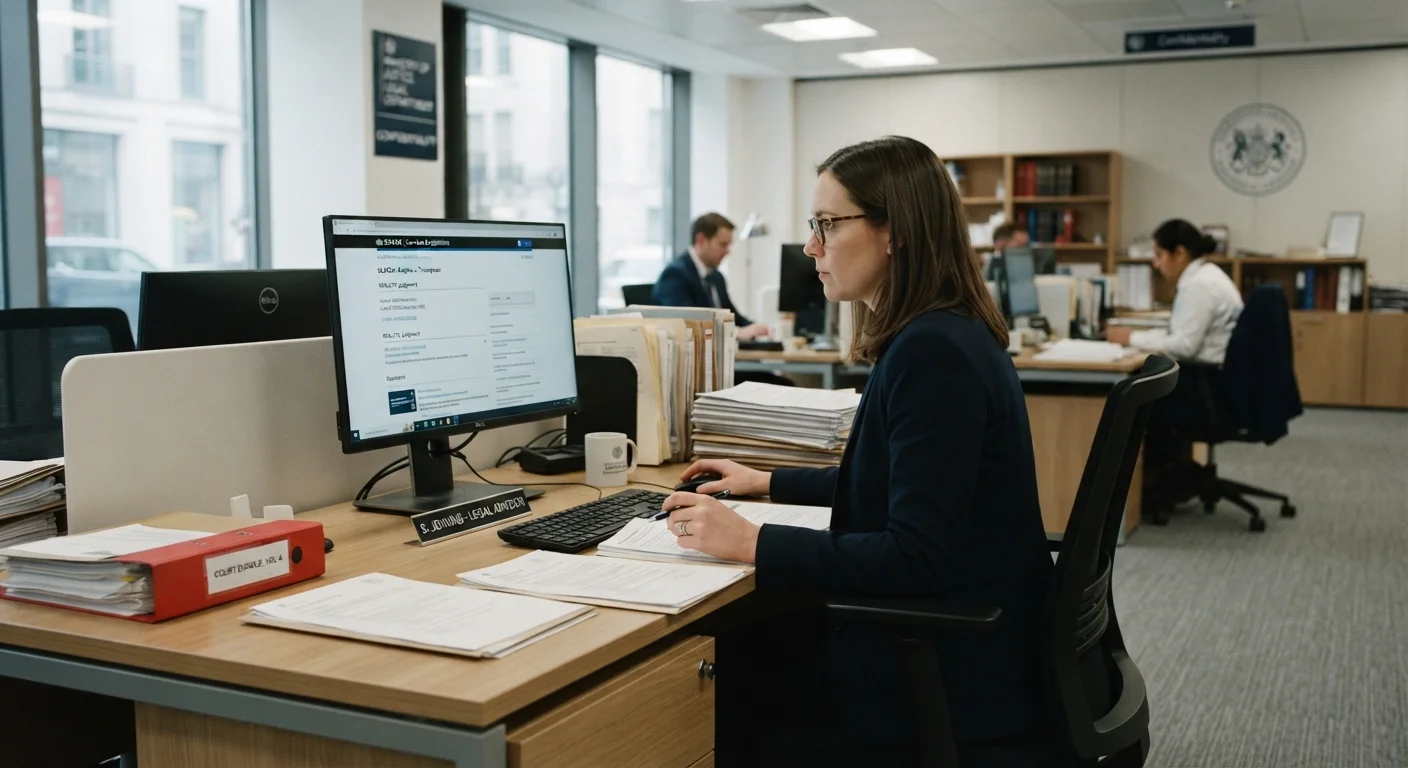
Photo: searchopenrecords editorial
—— In This Article
Key Takeaways
- PACER is the official federal portal for accessing U.S. district, bankruptcy, and appellate court records.
- FOIA portals allow the public to request government-held documents not automatically published online.
- State court databases vary significantly by jurisdiction — there is no single national system.
- Most federal PACER records carry a small per-page fee; many state portals are free.
- Understanding which system to use first saves significant time and frustration.
Understanding the Three-System Landscape
Public legal records in the United States are not held in one place. They are distributed across three distinct access systems: the federal PACER network, agency-level FOIA portals, and a patchwork of state and local court databases. Each system was built for a different purpose, governed by different law, and charges different fees. Knowing which one applies to your search is the essential first step.
PACER — the Public Access to Court Electronic Records system — is managed by the U.S. federal judiciary and covers filings from U.S. district courts, bankruptcy courts, and courts of appeals. FOIA portals, by contrast, are operated by individual federal agencies and allow members of the public to request administrative, investigative, or policy documents that agencies hold internally. State court databases are run at the state or county level and cover the vast majority of criminal, civil, family, and probate matters that most people actually encounter.
For a broader orientation on how these systems fit into the public records ecosystem, see the How Records Work hub. For a detailed comparison of access methods — including in-person courthouse visits — Courthouse vs. Online Portal walks through the trade-offs.
What you will need
Step-by-Step: Accessing Each System
The steps below guide you through each of the three systems in sequence. Follow the path that matches your record type. If you are unsure whether your matter is federal or state, start with Step 1 to determine jurisdiction before committing to a specific portal.
Determine Whether the Case Is Federal or State
Federal courts handle matters involving federal law, constitutional questions, disputes between citizens of different states above a dollar threshold, bankruptcy, and immigration. State courts handle the majority of everything else: most criminal prosecutions, civil suits, family law, probate, and traffic matters.
If you know the court name or case number, that will tell you immediately. U.S. District Court, U.S. Bankruptcy Court, or a numbered Circuit Court of Appeals indicates federal jurisdiction — use PACER. Any other court name almost always indicates state or local jurisdiction.
Register for a PACER Account (Federal Cases)
Go to pacer.uscourts.gov and select "Register for an Account." Individual users should choose the "Attorney or Non-Attorney" option. You will need a valid email address and a payment method. Registration is free; charges apply when you retrieve documents.
PACER charges a per-page fee (currently $0.10 per page as of the most recent published rate, with an $3.00 cap per document). Accounts that accrue less than $30 in a quarter are not billed. After registering, use the Case Locator tool to search across all federal courts simultaneously rather than searching one court at a time.
Search and Download Federal Dockets and Documents
Once logged in, navigate to the specific court's CM/ECF (Case Management/Electronic Case Filing) system via the PACER portal. Search by party name, case number, or attorney name. The docket sheet — a chronological list of all filings — is retrieved first and costs a small fee. Individual documents are then available for download from the docket.
Save PDFs locally after download. Re-downloading the same document incurs an additional charge unless you access it within the same session.
Submit a FOIA Request for Federal Agency Records
FOIA — the Freedom of Information Act — governs access to records held by federal executive branch agencies, not courts. If you are seeking agency reports, investigative files, regulatory correspondence, or internal memos, FOIA is the correct path.
Identify the agency that would hold the records (e.g., the FBI, EPA, or CBP). Visit that agency's official FOIA portal — most link from their main .gov website under a "FOIA" or "Open Government" section. Many agencies now use a shared platform called FOIAonline or their own dedicated submission tool. Write a specific, dated request describing the exact documents you seek. Agencies are legally required to respond within 20 business days, though complex requests often take longer.
Locate and Use Your State's Court Database
Each state operates its own online court access system, often branded under names like eCourts, CourtConnect, or the state judiciary's case search portal. Start at your state court's official .gov website — look for a "Case Search" or "Public Access" link.
Search fields vary by state: some allow name-only searches; others require a case number. Results typically show party names, case type, filing date, hearing schedule, and disposition. Full document images are available in some states but not all. For a detailed, jurisdiction-by-jurisdiction guide, see Locating Court Records Through Official Public Databases.
Verify What You Found and Note Limitations
Online databases reflect what has been entered into the system — clerical errors, outdated dispositions, or missing documents are more common than most users expect. If a record will be used for a significant purpose (employment screening, legal proceedings, property research), verify key details against the official case file, either by contacting the clerk's office directly or by requesting a certified copy.
Note also that certain record types — juvenile matters, sealed cases, expunged convictions, and some family court filings — are restricted by law and will not appear in public searches regardless of the system used.
Common Pitfalls and How to Avoid Them
Even experienced researchers encounter friction with these systems. The most frequent mistake is searching the wrong system entirely — for example, looking for a state criminal conviction on PACER, which only indexes federal cases. If a search returns no results, verify jurisdiction before assuming the record does not exist.
FOIA requests are another common stumbling block. Agencies are not required to create records that do not exist; they only release what they already hold. Overly broad requests — asking for "all documents related to" a topic — are routinely delayed or partially denied. Narrow, specific requests citing known document types or date ranges typically yield faster, more complete responses.
State portal availability is uneven. Some states provide full-text docket access online at no charge; others require in-person visits or charge per-document fees. A handful of rural counties still rely entirely on paper indexes. For a thorough walkthrough of how to navigate both digital and in-person options, see The Complete Roadmap to Finding Court Records.
Start With the Official .gov Portal
For any legal record search, always begin at an official government domain (.gov or .uscourts.gov) rather than a third-party aggregator. Government portals are the authoritative source and carry no markup fees beyond published court charges. Third-party services may aggregate public data but can introduce errors, outdated entries, or additional costs.
Before conducting any court record search, it is worth reviewing the ethical and legal boundaries that govern how that information may be used. Searching Court Records Responsibly covers the limits that apply even when access is technically legal.

Public Records 101 Editorial Team
Public Records 101 Editorial Team is the collective byline for our editorial team and contributor network. Articles published under this byline or an editorial pen name are researched, written, and reviewed according to our editorial standards for clarity, consistency, and independence before publication.
View author profile