
Signs That an Online Records Source May Not Be Trustworthy
Outdated data, vague sourcing, and unclear update schedules are red flags. Learn what to look for before relying on any public records website.
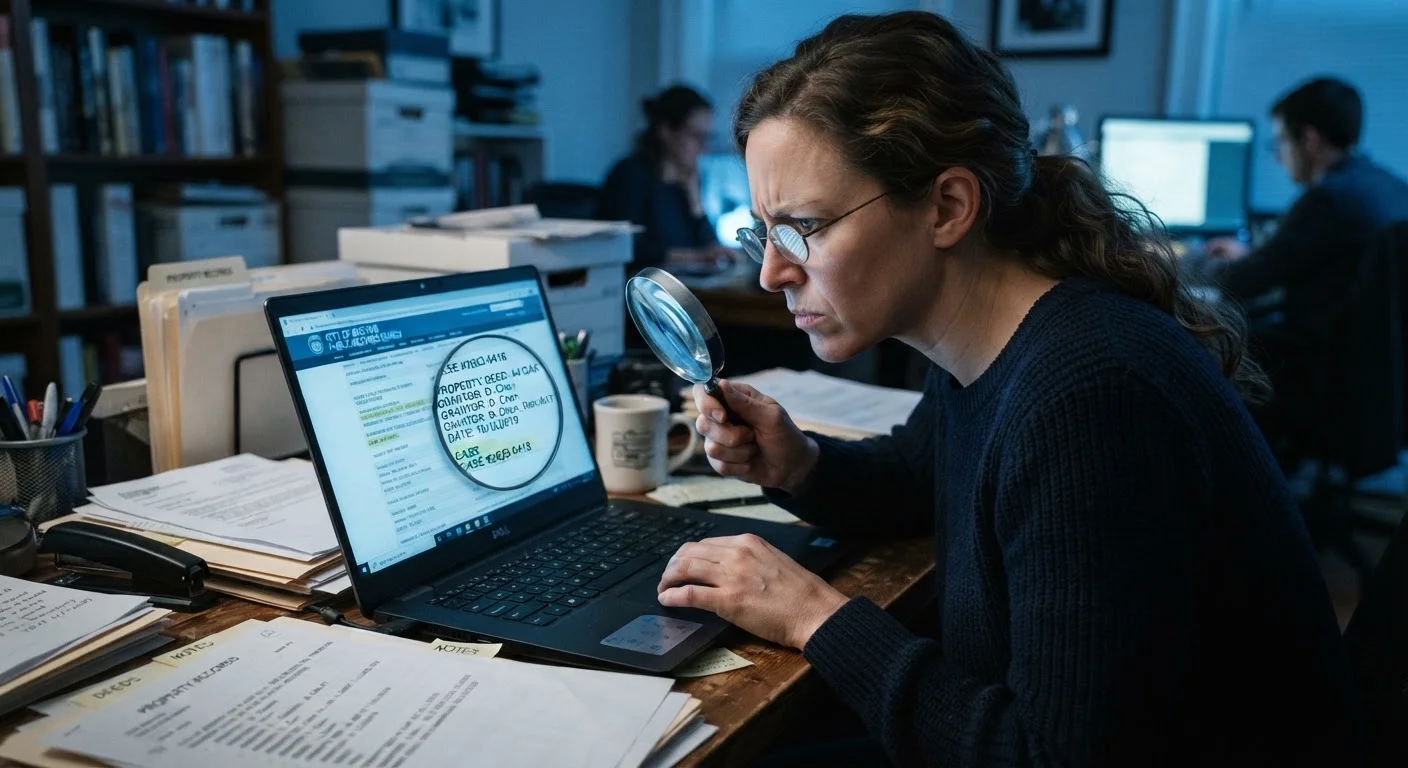
Photo: searchopenrecords editorial
—— In This Article
Key Takeaways
- Legitimate sources clearly identify where their data originates and how often it is updated.
- Vague or absent sourcing language is one of the strongest red flags for an untrustworthy records site.
- A site charging access fees is not automatically more accurate than a free government database.
- Conflicting results across sites are often explained by different update schedules, not errors.
- Always trace a record back to its official government source before acting on it.
Why Source Credibility Matters Before You Click
The internet is saturated with websites claiming to offer public records — court filings, property ownership, obituaries, address histories, and more. Some pull directly from official government databases. Others aggregate data from unknown intermediaries, may not update regularly, and offer little transparency about where their information comes from or how current it is.
Acting on inaccurate public records can lead to real consequences: wrong conclusions about a person's background, missed financial claims, or family history built on faulty foundations. Before you rely on any online source, it pays to audit it against a consistent set of criteria. The checklist below gives you exactly that framework.
For broader context on why discrepancies appear between sources in the first place, see why public records search results sometimes contradict each other.
Source Transparency
Data Currency and Update Schedules
Site Legitimacy and Ownership
Accuracy Signals and Red Flags
Commercial Bias and Promotional Language
Tools That Help You Evaluate Any Records Site
You don't need specialised software to audit a records source — but a few basic tools make the process more systematic.
Government Agency Portal (federal or state)
Use the originating agency's own website — such as a county court, state vital records office, or federal repository — as the authoritative baseline to compare against third-party sites.
WHOIS Domain Lookup (e.g., ICANN Lookup)
Check when a records site's domain was registered and who owns it to flag newly created or anonymously owned domains.
State Business Registry Search
Verify that the company behind a records site is a legitimately registered business entity in its claimed state of operation.
Web Archive (Wayback Machine)
Review historical snapshots of a site to assess how long it has been operating and whether its claims about data sources have changed over time.
Once you've identified a potentially credible site, the next step is tracing individual records back to their origin. Our guide on tracing a document back to its official source walks through that verification process in detail. Misreading even a credible record is possible — especially with gaps or redacted fields — so also review assumptions that lead people to misread public records before drawing conclusions.
Understanding timestamps is equally critical. A record labelled "current" may reflect data that was last synced months ago. Interpreting timestamps and update frequencies on public record databases explains how database sync cycles affect what you see. If you've encountered unexpected or wrong results from an address lookup tool specifically, why address lookup results are sometimes wrong covers the most common causes.
This article is for general informational purposes only. It does not constitute legal advice. For decisions that depend on the accuracy of public records — such as legal proceedings or financial matters — consult a qualified professional and verify information directly with the issuing government agency.

Public Records 101 Editorial Team
Public Records 101 Editorial Team is the collective byline for our editorial team and contributor network. Articles published under this byline or an editorial pen name are researched, written, and reviewed according to our editorial standards for clarity, consistency, and independence before publication.
View author profile