
Your First Court Records Search: A Ground-Up Guide
New to searching court records? This guide walks through every key concept and step, from case types to reading a docket entry.
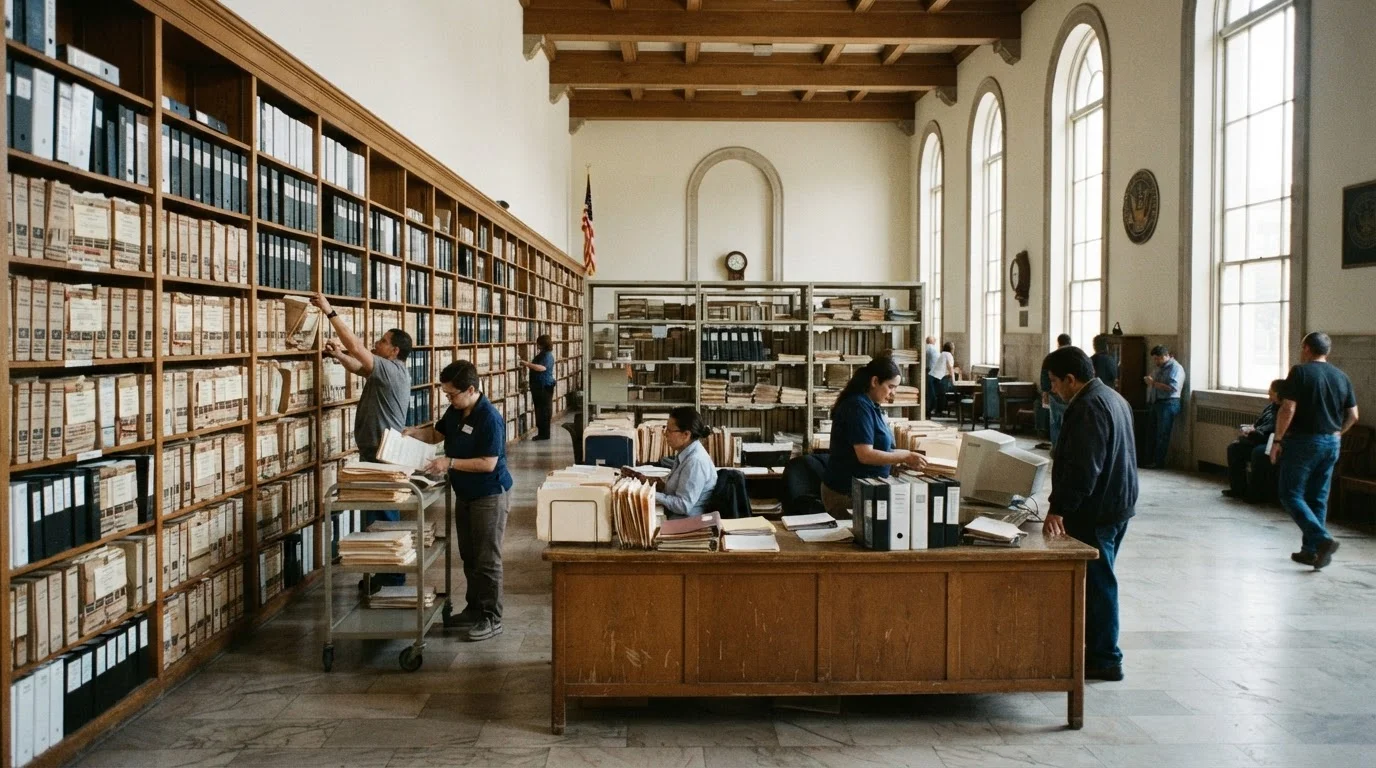
Photo: searchopenrecords editorial
—— In This Article
Key Takeaways
- Most U.S. court records are legally public and can be accessed without an attorney.
- Courts are divided by jurisdiction and case type — searching the right court is the first step.
- Federal records live in PACER; state and local records vary widely by county and court system.
- A docket is the official case timeline — understanding its entries is essential for interpreting results.
- Name variations, sealed records, and jurisdiction gaps are common obstacles for new searchers.
What Court Records Are and Why They're Public
A court record is the official written account of a legal proceeding — every filing, ruling, order, and judgment that a court has documented in a case. These records cover a broad range: criminal charges, civil lawsuits, family law matters, bankruptcy petitions, and probate proceedings all generate court files.
The U.S. legal system operates on the principle of open courts. Transparency allows the public to scrutinize how justice is administered and holds both courts and litigants accountable. This principle is why most records are available to anyone — not just parties to a case.
That said, openness has limits. Juvenile delinquency records, adoption files, certain domestic violence cases, and records sealed by judicial order are withheld from public access. Understanding what is and isn't accessible before you search prevents frustration later. For a deeper look at the document types you may encounter, see Types of Court Records and What Each One Reveals.
Docket
The official chronological log of all filings, hearings, and rulings in a court case. Reviewing the docket gives you a timeline of the entire proceeding.
Jurisdiction
The authority a specific court has to hear a type of case or cases involving people in a particular geographic area. Searching outside the correct jurisdiction means missing records.
Disposition
The final outcome of a case — such as conviction, acquittal, dismissal, or settlement. Always look for the disposition before interpreting what a case means.
Sealed record
A court file that a judge has ordered to be withheld from public access. Sealed records do not appear in public searches and cannot be retrieved without a court order.
Expungement
A legal process by which a court record is officially destroyed or hidden from public view, often after the person completes certain conditions. Expunged records generally do not show up in public databases.
PACER
Public Access to Court Electronic Records — the U.S. federal judiciary's online system for accessing federal court documents. Registration is free and most documents carry a small per-page retrieval fee.
Types of Courts and the Records They Hold
The U.S. court system is layered, and each layer holds distinct records. Searching the wrong court is the single most common mistake beginners make.
- Federal courts handle cases involving federal law, constitutional questions, disputes between states, and federal crimes. The three tiers — district courts, circuit courts of appeals, and the Supreme Court — each maintain separate records.
- State trial courts (often called superior, circuit, or district courts depending on the state) handle most criminal and civil cases, including felonies, major civil suits, and family law.
- Limited jurisdiction courts — such as municipal courts, magistrate courts, and small claims courts — handle minor matters like traffic violations, misdemeanors, and small dollar disputes.
- Probate courts manage wills, estates, and guardianship matters. These records are particularly useful for genealogy research and can connect to resources in Tracing Family Roots.
Identifying which court heard a case before you search saves considerable time. If you're unsure, start with the state trial court for the county where the event likely occurred.
Where to Search: Online Databases and Clerk's Offices
Access to court records depends heavily on the court level and the jurisdiction's investment in digitization.
Federal cases: PACER (Public Access to Court Electronic Records) is the authoritative source for federal civil, criminal, bankruptcy, and appellate filings. Registration is free; document retrieval carries a small per-page fee, though balances under a quarterly threshold are waived. Create an account at pacer.gov to begin.
State cases: There is no single national database for state courts. Each state — and often each county — operates independently. Many states have built statewide search portals; others require county-by-county lookups through individual clerk websites. Search for " court records online" or " clerk of court" to locate the right portal.
In-person and written requests: Older records that predate digitization frequently exist only as paper files at the courthouse. Clerk's offices typically allow in-person inspection for free; certified copies involve a nominal fee per page. Some jurisdictions accept written or email requests.
For a thorough walkthrough covering every access method, The Complete Roadmap to Finding Court Records Online and In Person is worth reading once you've completed this guide.
Start Narrow, Then Broaden Your Search
When using any court database, begin with the most specific information you have — a full name plus county or case number — rather than starting broad. Broad name searches on common surnames can return hundreds of unrelated results. Once you confirm you have the right record, you can expand your search to related courts or jurisdictions if needed.
How to Read a Docket Entry
A docket is the court's chronological log of everything that has happened in a case. Each line is a docket entry — a date-stamped record of a filing, hearing, order, or ruling. Understanding the structure turns an intimidating wall of legal shorthand into a readable case history.
A typical docket entry contains four elements:
- Entry number: Sequential numbering of filings, starting at 1.
- Date filed: When the document was submitted or the event occurred.
- Filed by: The party who submitted the entry — plaintiff, defendant, or the court itself.
- Description: A brief label such as "Motion to Dismiss," "Order Granting Summary Judgment," or "Notice of Appeal."
Common abbreviations include Plt. (plaintiff), Def. (defendant), Mot. (motion), and Ord. (order). For a plain-language breakdown of every term you're likely to encounter, see Reading a Court Docket: A Plain-Language Breakdown. The companion Court Record Glossary is useful to keep open as a reference while you work.
Common Pitfalls for First-Time Searchers
Even with the right database open, a few recurring problems trip up new researchers.
- Name variations: Court records reflect names as entered at filing — maiden names, middle names used as first names, or spelling errors can hide records. Try multiple name formats before concluding a record doesn't exist.
- Wrong jurisdiction: A federal charge won't appear in a state database, and vice versa. Confirm which court has jurisdiction over the case type you're researching before starting your search.
- Assuming digital means complete: Many courts have only digitized records from the mid-1990s onward. Older cases require physical access at the clerk's office.
- Confusing arrest records with convictions: An arrest record reflects that someone was charged — not that they were convicted. Always trace a case through to its disposition entry before drawing conclusions.
- Sealed and expunged records: If a record has been expunged, it will not appear in public databases by design. Absence of a record is not always proof a case never occurred.
This article is for informational purposes only and does not constitute legal advice. For guidance specific to your situation, consult a licensed attorney.
Frequently Asked Questions

Background Checks Editorial Team
Background Checks Editorial Team is the collective byline for our editorial team and contributor network. Articles published under this byline or an editorial pen name are researched, written, and reviewed according to our editorial standards for clarity, consistency, and independence before publication.
View author profile